js9 Bangladesh - Slots and Sportsbook, Powered by Local Payments
Live casino tables, slot rooms and cricket-led sportsbook markets — all in one lobby, accessible from your phone in seconds.
Access may be available only where local law permits.
js9 · Bangladesh
Service availability depends on eligible regions and local law. Users should check local rules before opening an account.
What's Running This Week



How We Keep Your Account Safe
Security on js9 runs across four layers — your connection, your login, your transaction records and your stored data. Each one is handled separately so a weakness in one doesn't compromise the others. Here's what each layer actually does.
SSL Connection Encryption
Every page on js9 loads over an SSL-encrypted connection. Data moving between your device and our servers is encrypted in transit, so your login credentials and payment details aren't readable in transit.
OTP Login Verification
When you log in from a new device or trigger a sensitive account action, we send a one-time password to your registered mobile number. You need that OTP to proceed — it expires quickly and can't be reused.
Transaction Records and Receipts
Every deposit and withdrawal is logged in your account wallet with a timestamp and reference number. You can review your full transaction history at any time from the account section — nothing is hidden or deleted.
Personal and Payment Data Handling
We store personal and payment data only as long as needed for account operation and legal compliance. We don't sell your data to third parties. Full details are in our privacy policy, linked in the site footer.
Play on Any Screen
The js9 lobby works on your Android or iOS phone browser, on tablet, and on desktop — no app download required, and your account and balance are the same across every device.


What to Check First on js9
New to the lobby? Here's where to begin. Open your account, add funds through your preferred wallet, and you're in — the whole process takes under two minutes on mobile. If anything's unclear, our support team is a message away.
Play on Any Device, Any Time
The js9 lobby is built for mobile first — players in Dhaka reach the full game catalogue from their phone browser without downloading anything. The layout adjusts to your screen size automatically, touch targets are sized for thumbs, and the cashier works the same on mobile as it does on desktop. Whether you're on Android or iOS, the live tables stream cleanly on a decent mobile connection, and slots load fast even on mid-range handsets. Switch to desktop for a wider view of the live casino floor whenever you want.
Getting Started on js9
Register
Open the registration screen, fill in your details and verify your mobile number with the OTP we send you.
Deposit
Go to the cashier, choose bKash, Nagad, Rocket or Bank Transfer, and send funds using your wallet app.
Choose a Game
Browse by category — Slots, Live Casino, Sportsbook — or search by name to find the title you want.
Play
Open the game, set your stake and start. Your balance updates in real time in the account wallet.
Slots, Live Tables and More

bKash Payout Help
bKash Account Check
Nagad Mobile Deposit

Roulette Velocity
How to Reach Our Support Team
Got a question about your account, a deposit that hasn't cleared, or a game that didn't load? Here are the three ways to get in touch — pick the one that fits your situation.
Live Chat
The fastest route for account and payment questions. Open the chat widget from any page on the site. Response times vary by volume, but live chat is consistently quicker than email for urgent issues.
Email Support
Better for detailed queries — account verification questions, withdrawal disputes or anything that needs a written record. Find the address in the site footer. Include your account username and a clear description.
Mobile-Friendly Help
The support section is fully accessible from your phone browser. If you're mid-session and something goes wrong, you don't need to switch to desktop — open chat or email directly from the mobile menu.
js9 — One Lobby, Every Game You Want
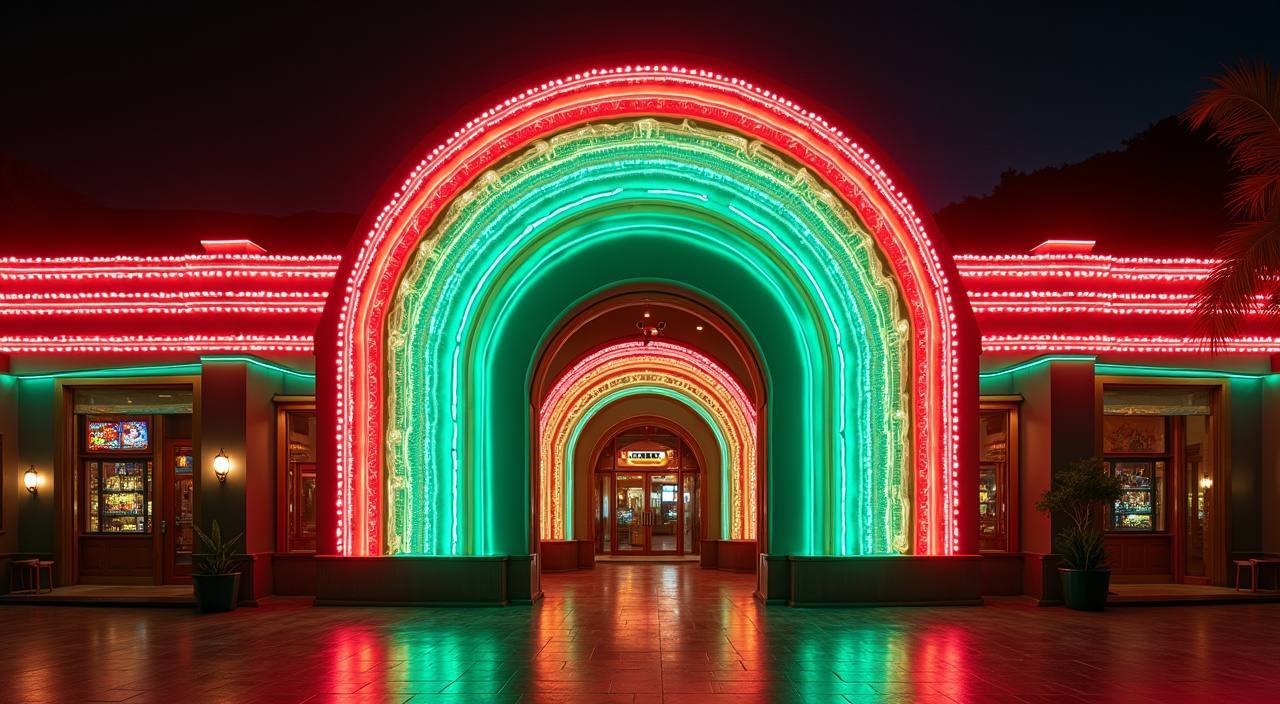
Step inside and you'll find live dealer tables, fan-favourite slots, crash games and a sportsbook sitting side by side — switch between them without leaving the page.
Payment Methods We Support
We built our cashier around the wallets Bangladesh players already use every day. Open your bKash, Nagad or Rocket app, send to the account number shown in the deposit screen, confirm with your PIN, and the funds appear in your js9 wallet. Withdrawals follow the same rails — request from your account wallet, complete the verification step, and the transfer goes back to the same wallet you deposited from. Bank Transfer is also available for those who prefer it.
bKash
Nagad
Rocket
Bank Transfer
Offers for New Accounts

New accounts receive a welcome credit on their first qualifying deposit — use it across slots and live casino tables. Wagering requirements and minimum deposit apply. Terms apply.
Open Your Account
Place your first qualifying sportsbook bet and receive a credit if it doesn't win. Cricket markets included. Minimum odds and stake conditions apply. Terms apply.
Open Your AccountFrequently Asked Questions
Answers to the questions we hear most from Bangladesh players — account setup, payments, games and access.
Platform at a glance
| Game providers | Pragmatic Play, Evolution, JILI, Red Tiger |
|---|---|
| Game categories | Live Casino, Slots, Sportsbook |
| Accepted currency | BDT |
| Payment methods | bKash, Nagad, Rocket, Upay, Bank Transfer |
| Mobile access | Phone, tablet and desktop browser |
| Customer support | Live chat and email |
How to Navigate the js9 Lobby
The lobby is organised into four main areas: Slots, Live Casino, Table Games and Sportsbook. Use the category tabs at the top of the screen to switch between them — you stay logged in and your balance carries across. Inside Slots, filter by studio to find Pragmatic Play or PG Soft titles quickly, or search by name if you know what you want. The Live Casino section shows which tables are open and how many seats are available in real time. To reach your account area — wallet, transaction history, personal details — tap the account icon in the top-right corner.
Switching Game Categories
Tap any category tab — Slots, Live Casino, Table Games, Sportsbook — to move between sections. Your session stays active and your balance doesn't reset when you switch. No need to log out and back in.
Finding a Specific Game
Use the search bar at the top of the lobby and type the game name — Roulette Velocity, Crash Ignition, Gates of Olympus. Results appear as you type. You can also filter by studio if you prefer browsing by provider.
Live Casino Navigation
The Live Casino tab shows all open tables with their current status. Evolution tables — baccarat, roulette, Dragon Tiger — are grouped together. Tap a table to see the bet range before you sit down.
Your Account Area
The account icon in the top-right corner opens your wallet, transaction history and personal settings. Deposit and withdrawal requests are both initiated from here — the cashier shows your linked payment methods.